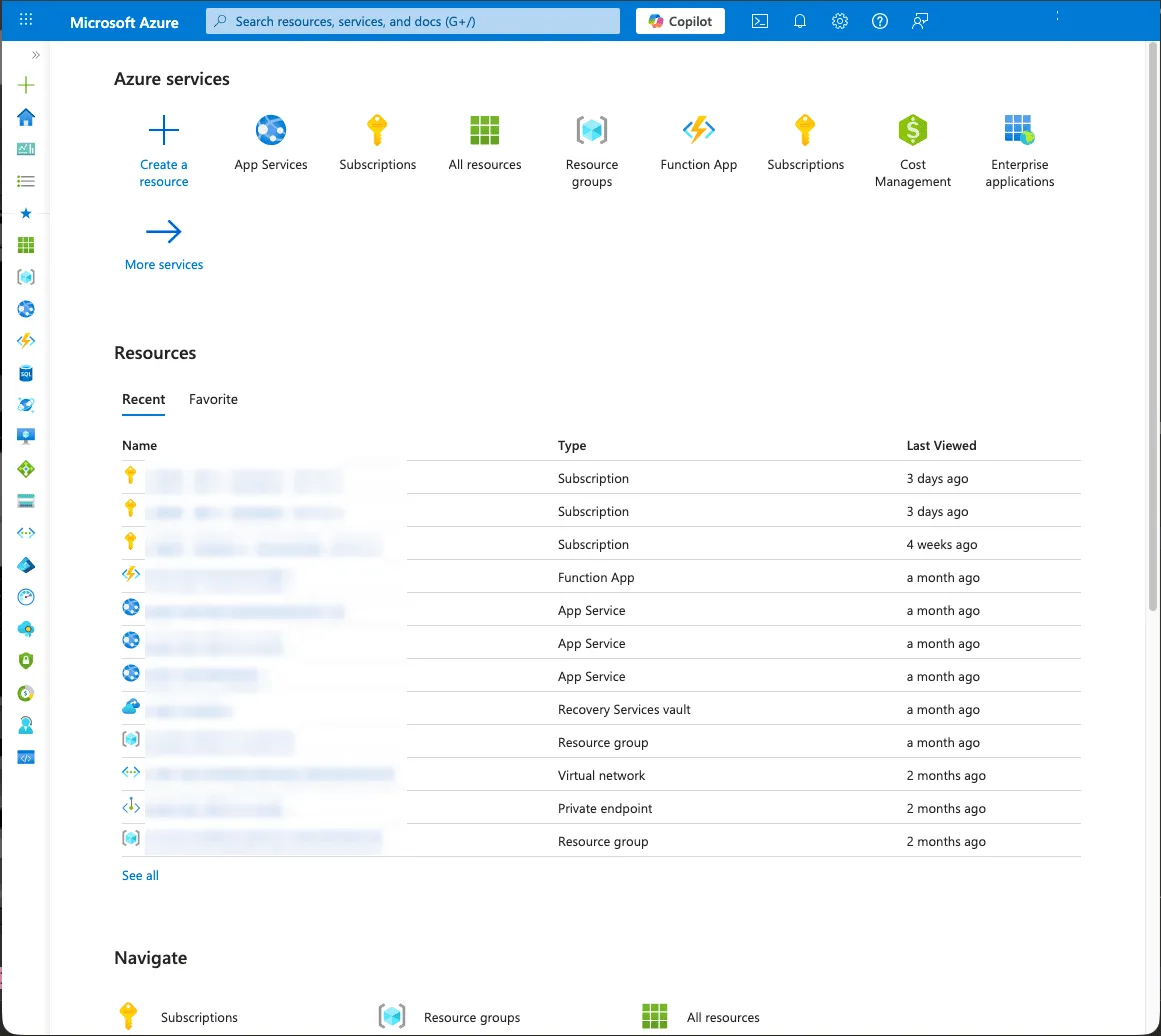
Login
about 3 minutesStudents, Staff, IT staffchecked 2 February 2026
Portal
Section titled “Portal”- Open any browser and enter the URL https://portal.azure.com in the address bar
- Automatic redirection to the Microsoft login screen occurs. On this page, enter the University of Bern email address under
Email, phone, or Skypeand clickNext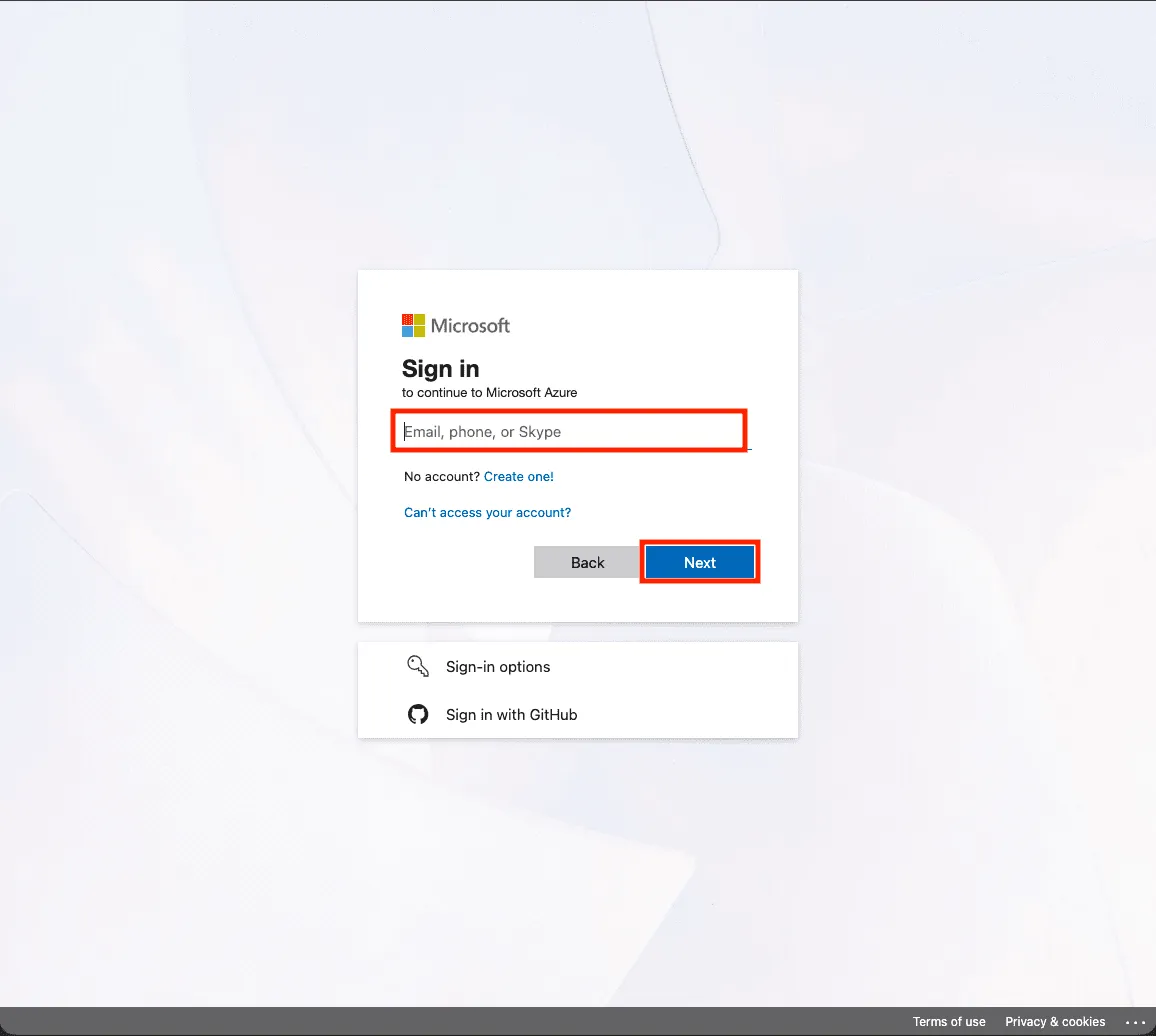
- Enter the campus account password in the
Passwordfield and clickSign In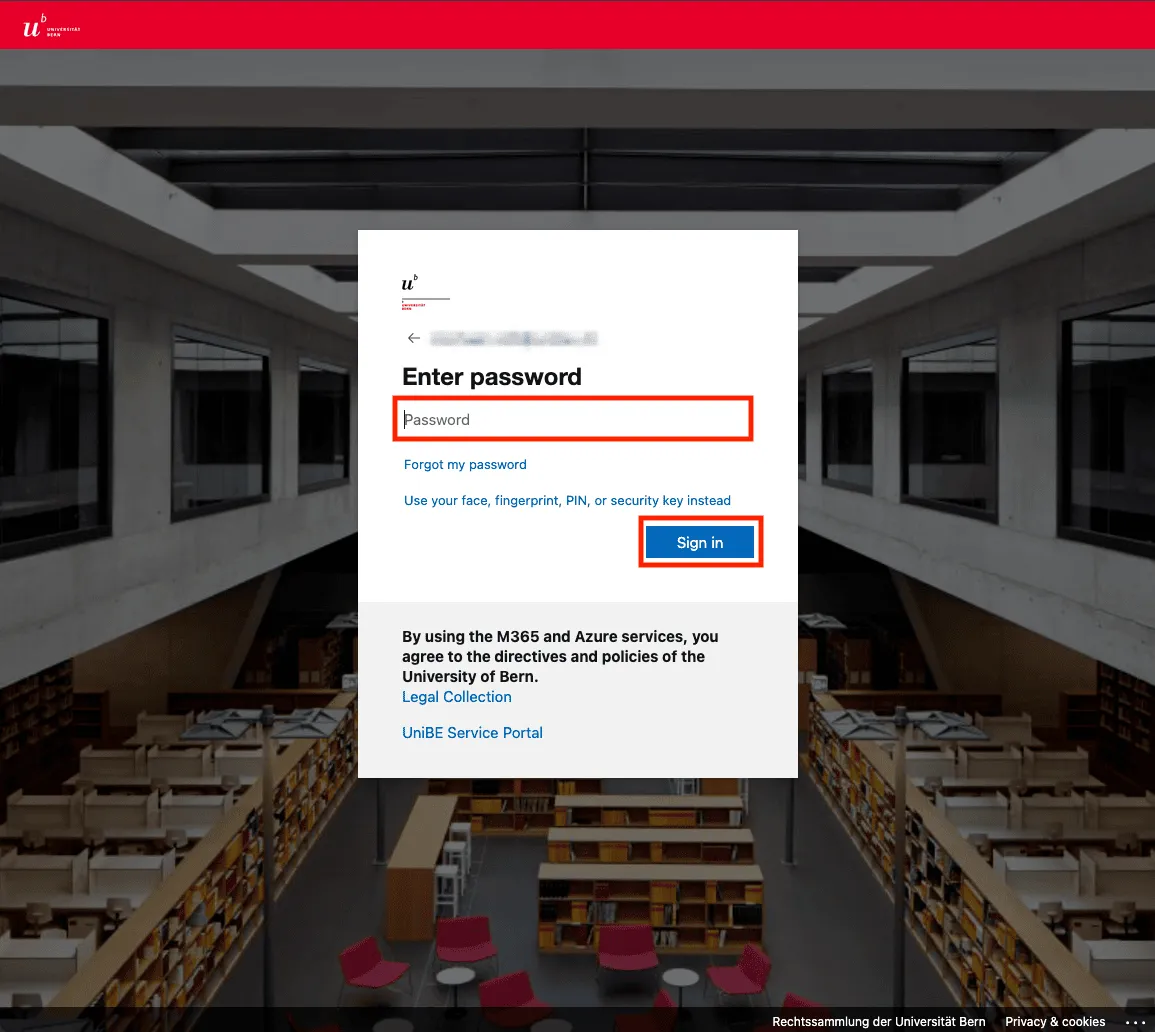
- Two-factor authentication must be completed. This varies by user. In this case, use the Microsoft Authenticator app to read the code and enter it in the
Codefield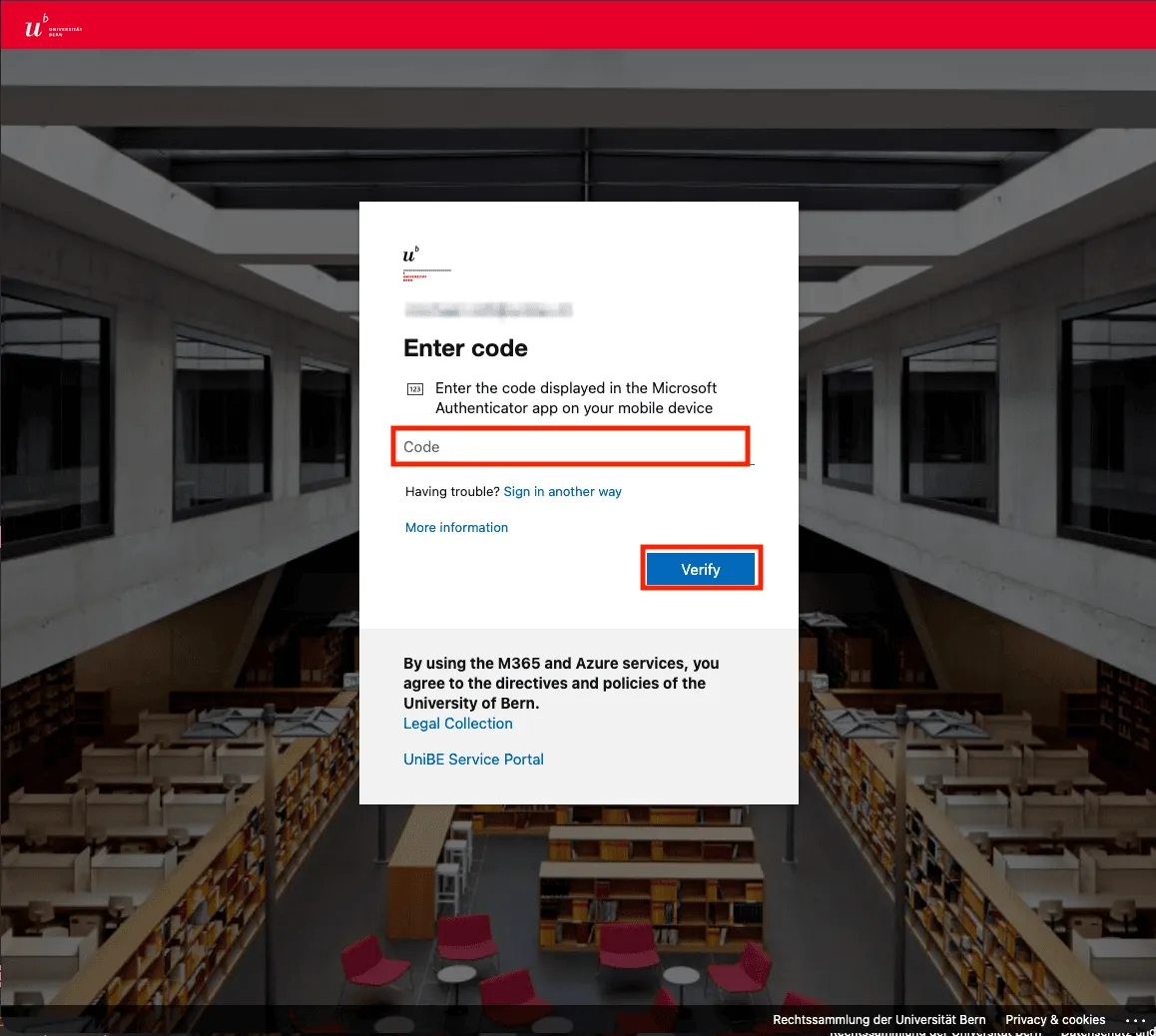
- Persistent login is not recommended, especially on non-personal devices
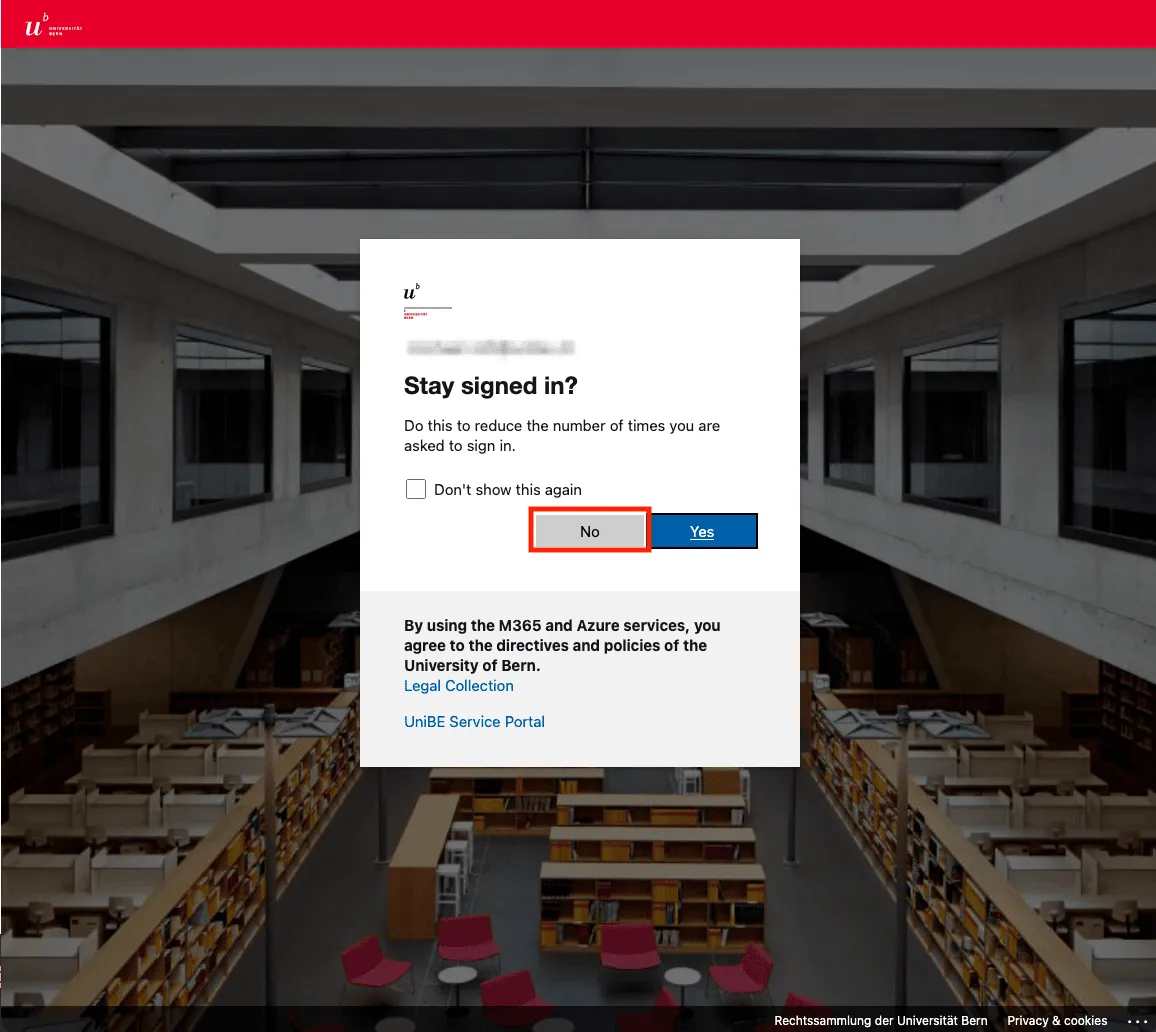
- After successful authentication, redirection to the portal homepage occurs